Step-by-step:
1. While holding both “Exit” and “Enter,” power on the TX.
The unit will be in calibration mode. “MAX” will be selected.
2. Push the trigger all the way outwards, then press enter.
3. Press Inc to select “MID1.”
4. Push the trigger all the way outwards, slowly release it until stops, then press enter.
5. Press Inc to select “MID2”
6. Pull the trigger all the way inwards, slowly release it until stops, then press enter.
7. Press inc to select “MIDV”, and then press enter.
8. Press inc to select “MIN”
9. Press exit to reset.
10. Pull the trigger all the way inwards, release, and press enter.
11. Press inc to select 1LT
12. Press exit to reset
13. Turn the wheel all the way to the left, then press enter.
14. Press inc to select 1CT.
15. Keeping the wheel centered, press enter.
16. Press Inc to select 1RT.
17. Press exit to reset.
18. Turn the wheel all the way to right, then press enter.
19. All entries should be confirmed (highlighted).
20. Turn off the unit.
Details:
The “Dec(-) and “Inc(+)” buttons are used to select entries.
"Exit" will reset an entry.
"Enter" confirms an entry. When an entry is confirm, it displays as highlighted. In order for a change to take effect, you must “lock-in” the value by confirming (highlighting) it with the enter key.
“MAX” is the limit of the triggers outward travel (brakes)
“MIN” is the limit of the triggers inward travel (throttle)
“1LT” is the limit of the leftwards turn of the wheel.
“1RT” is the limit of the rightmost turn of the wheel.
“1CT” is the centered position of the wheel.
Because the trigger doesn't reset to the EXACT same spot each time, it is necessary to define a certain buffer to what is considered to be neutral.
“MID1” and “MID2” are the edges of this “neutral zone” (no Romulans, please).
“MIDV” appears to just be the center between MID1 and MID2. You simply need to press enter, and the number is automatically calculated.
Mdp.lt is not the owner of this text/video/image/photo content, the real source of content is Youtube.com and user declared in this page publication as Youtube.com user,
if you have any question about video removal, what was shared by open community, please contact Youtube.com directly or report bad/not working video links directly to video owner on Youtube.com. Removed video from Youtube.com will also be removed from here.


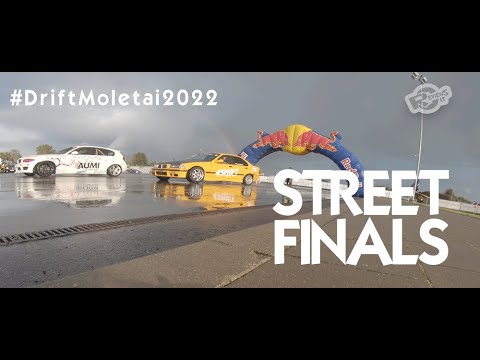 #DriftMolėtai "Street" drift race finals 2022
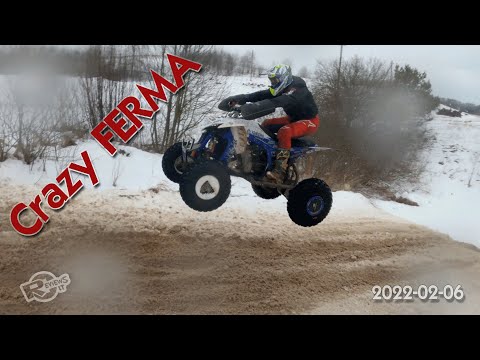 Dirt bike and quadbike event at Crazy Ferma 2022-02-06